
Login
Signing in, and what can go wrong
The sign-in screen is the most imitated page on any gaming platform, because a convincing copy collects a working phone number and password in a single step.
What the screen looks like
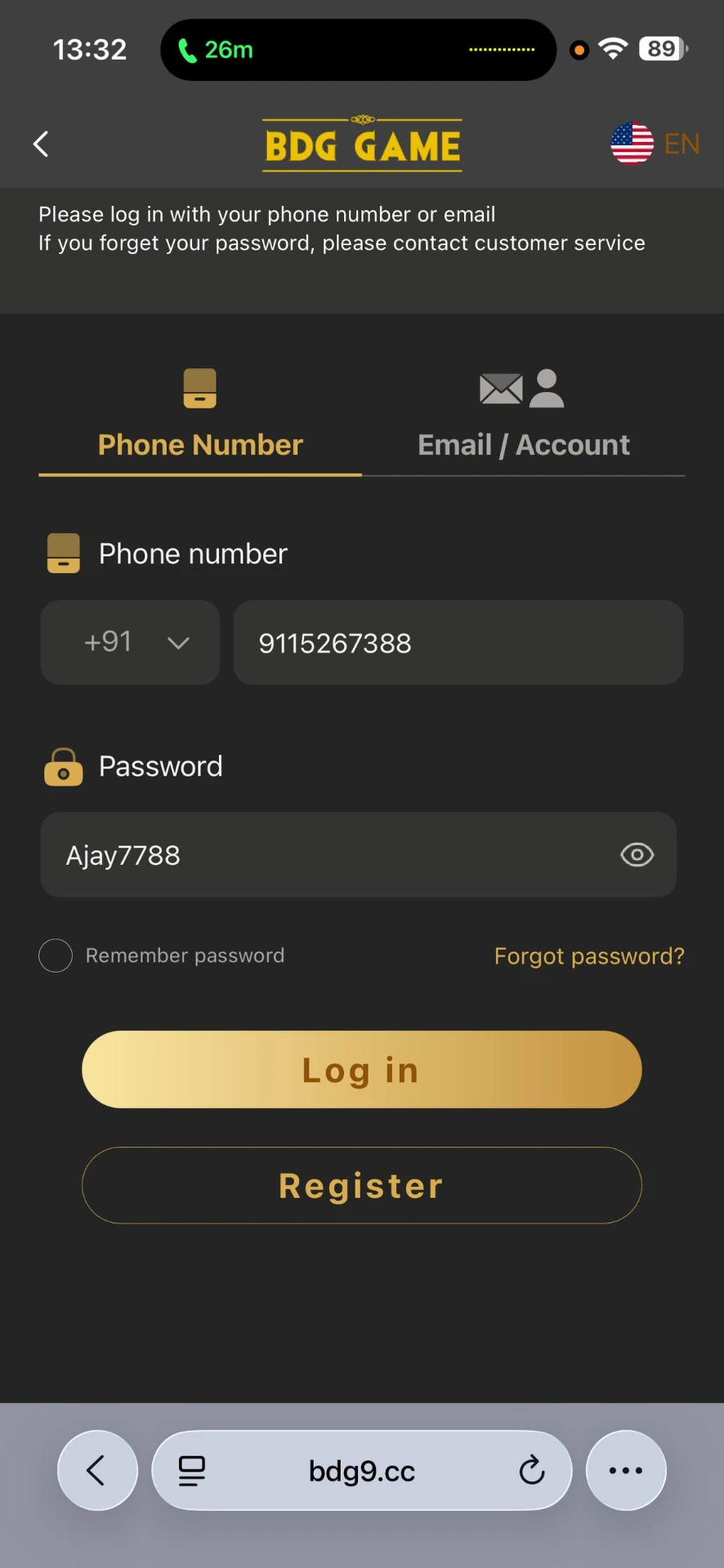
Example login screen: phone number, password, and a forgot-password link.
The flow
- 1Navigate to the platform yourself instead of following a shared link.
- 2Confirm you are on the sign-in form rather than a look-alike sign-up form.
- 3Enter the registered number in full international format, country code included.
- 4Enter the password. No legitimate sign-in asks for payment details here.
- 5Read the text of any one-time code message before typing the digits.
- 6After entry, check the balance and recent activity before playing anything.
Why people get locked out
- •A missing or wrong country code on the phone number.
- •A password that was reset on a clone site and therefore never changed on the real one.
- •One-time codes entered after they expired, usually a few minutes.
- •Repeated failed attempts triggering a temporary cooldown.
- •Sessions dropped by a VPN or network change mid-request.
Resetting a password safely
Start the reset from the platform's own page, in a browser tab you opened by typing the address. Never begin a reset from a message, email or group post, and never read a code out to anyone. Support teams do not need your one-time code, and anyone who asks for it is trying to take the account.
Mirror and 'backup' links
Mirror domains are promoted as a workaround when a site is slow or blocked. Some are genuine; many are traps that proxy the real interface while recording everything you type. Because the two look identical, there is usually no way to tell from the page itself — which is why the address you arrived through is the only signal worth trusting.